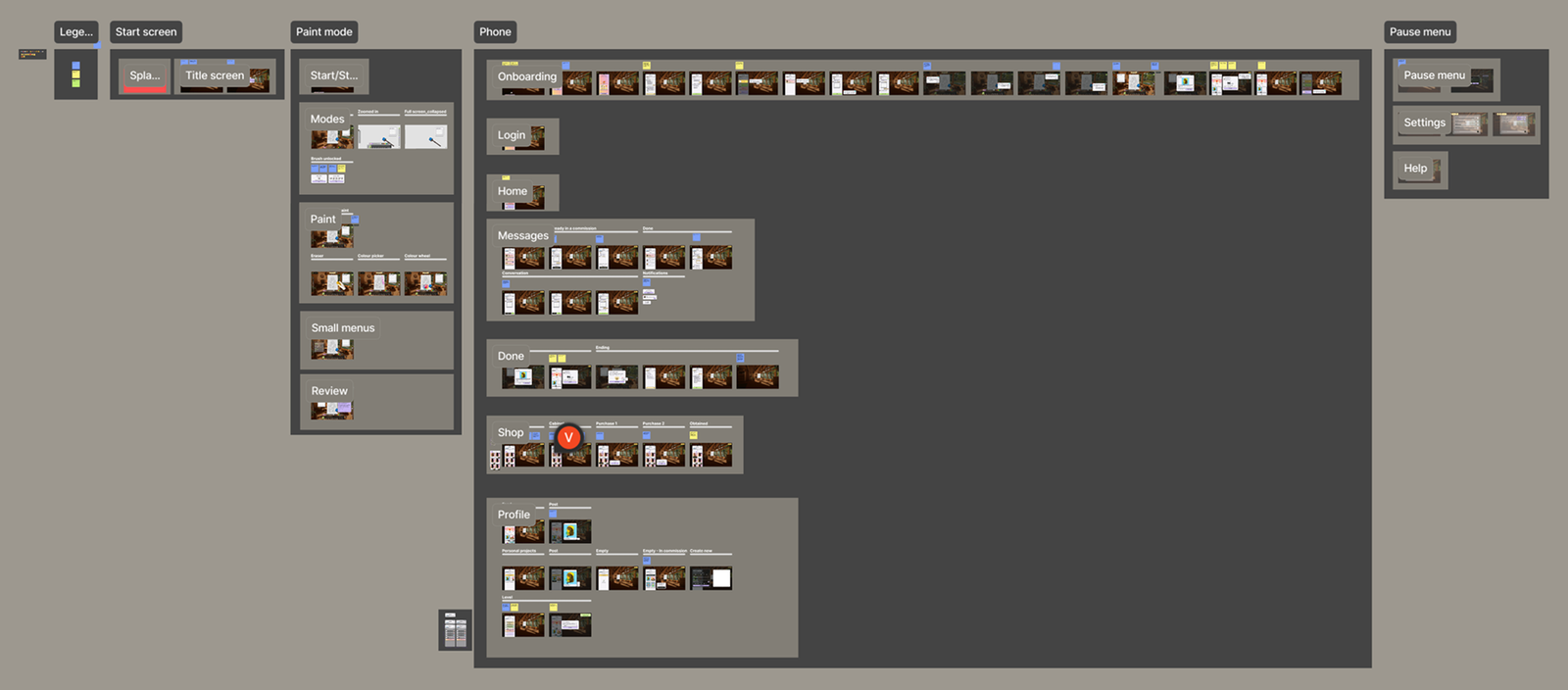
PaintingPC originally started as a PC version of PaintingVR, but gradually evolved into its own game: an artist simulator with its own identity, visual style, and UX flow designed specifically for PC. Working on the project from its early concept through to launch gave me the opportunity to help shape its UX, interaction flows, and visual identity. The content below showcases a selection of my UX design work, exported directly from Figma.
PROJECT TYPE
Made during my time at Oisoi studio
YEAR
2026
SOFTWARES
Figma
ROLE
UI & UX Design
Prototyping
Mograph
UX Design
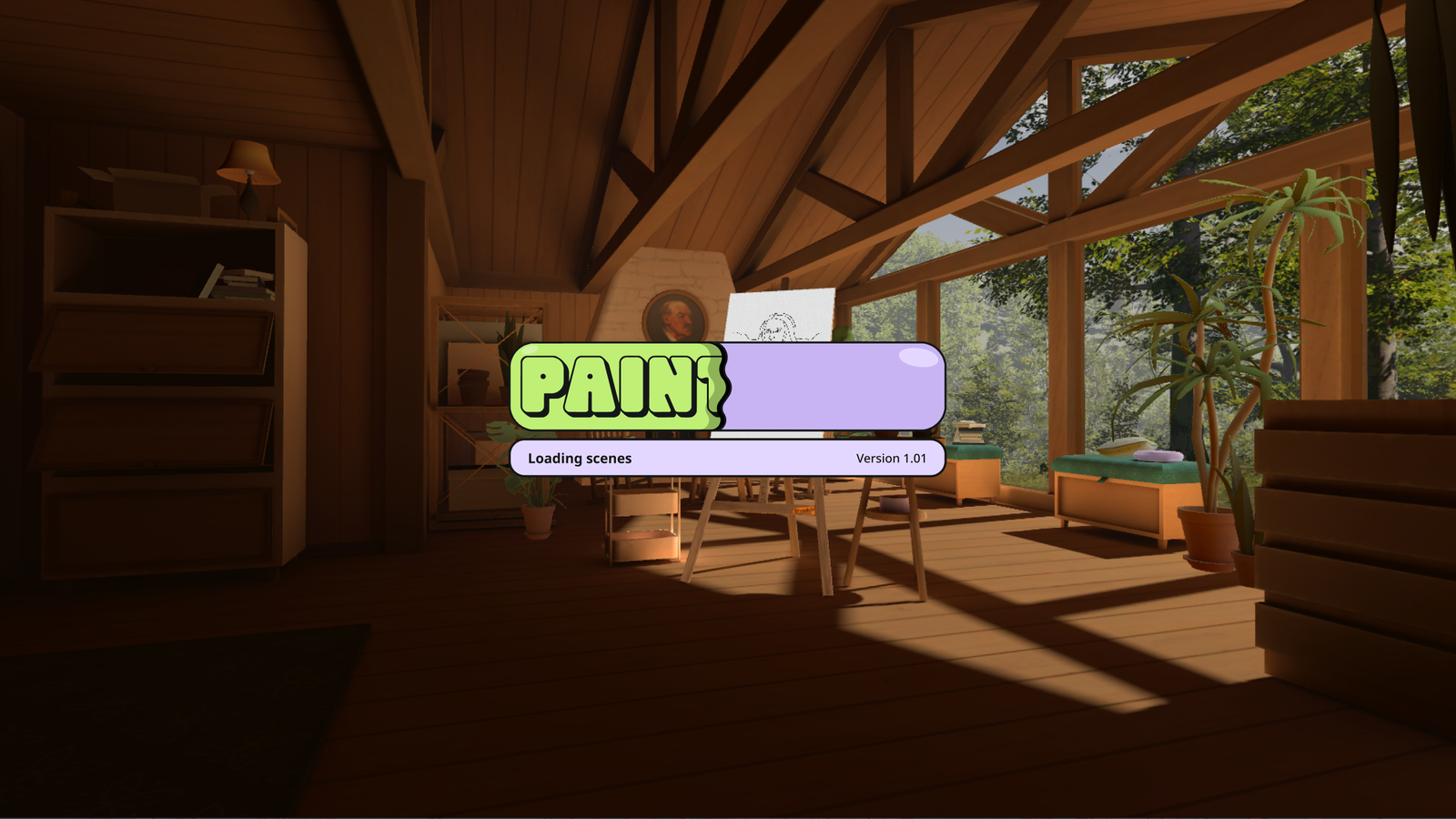
Loading screen
For the loading screen, I kept the design simple while already introducing the game’s cozy, bubbly atmosphere. The design is based on the idea of a liquid flowing from left to right, combined with subtle wave-like motion to give the experience a more playful feel.
Onboarding
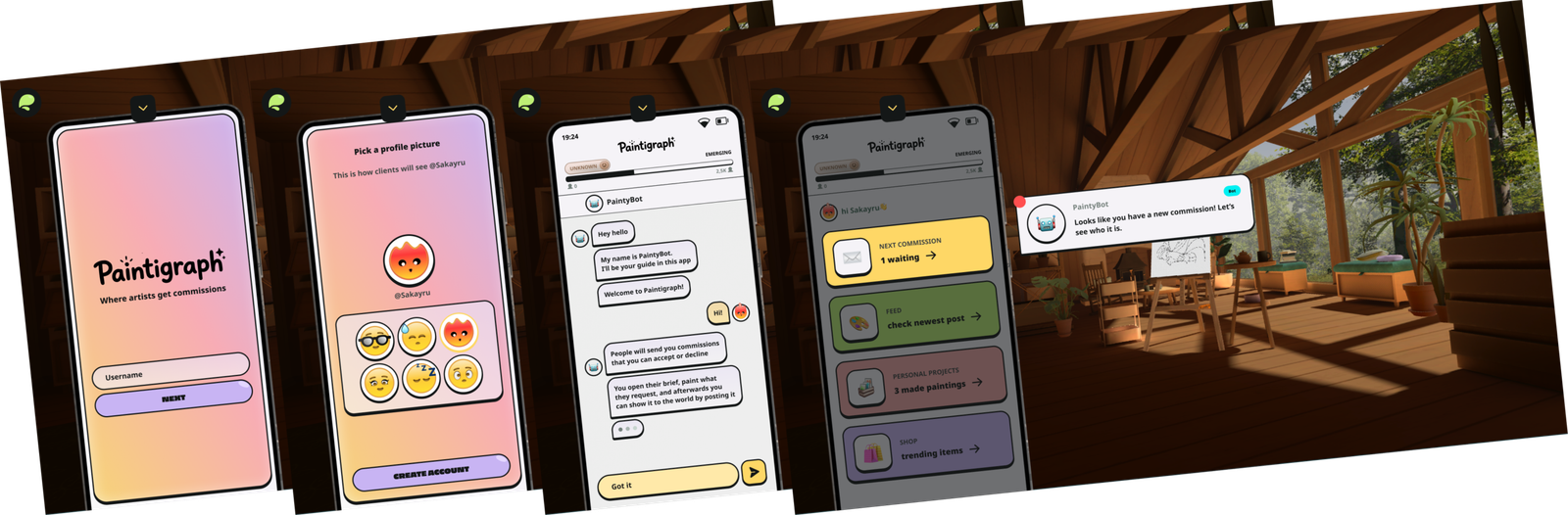
The game starts by letting players choose their own name and select a profile picture. I designed the profile pictures (emojis) myself. After personalizing their profile, players are introduced to Paintybot, an in-game companion that guides them through the onboarding experience and explains the game’s core features.
Commissions
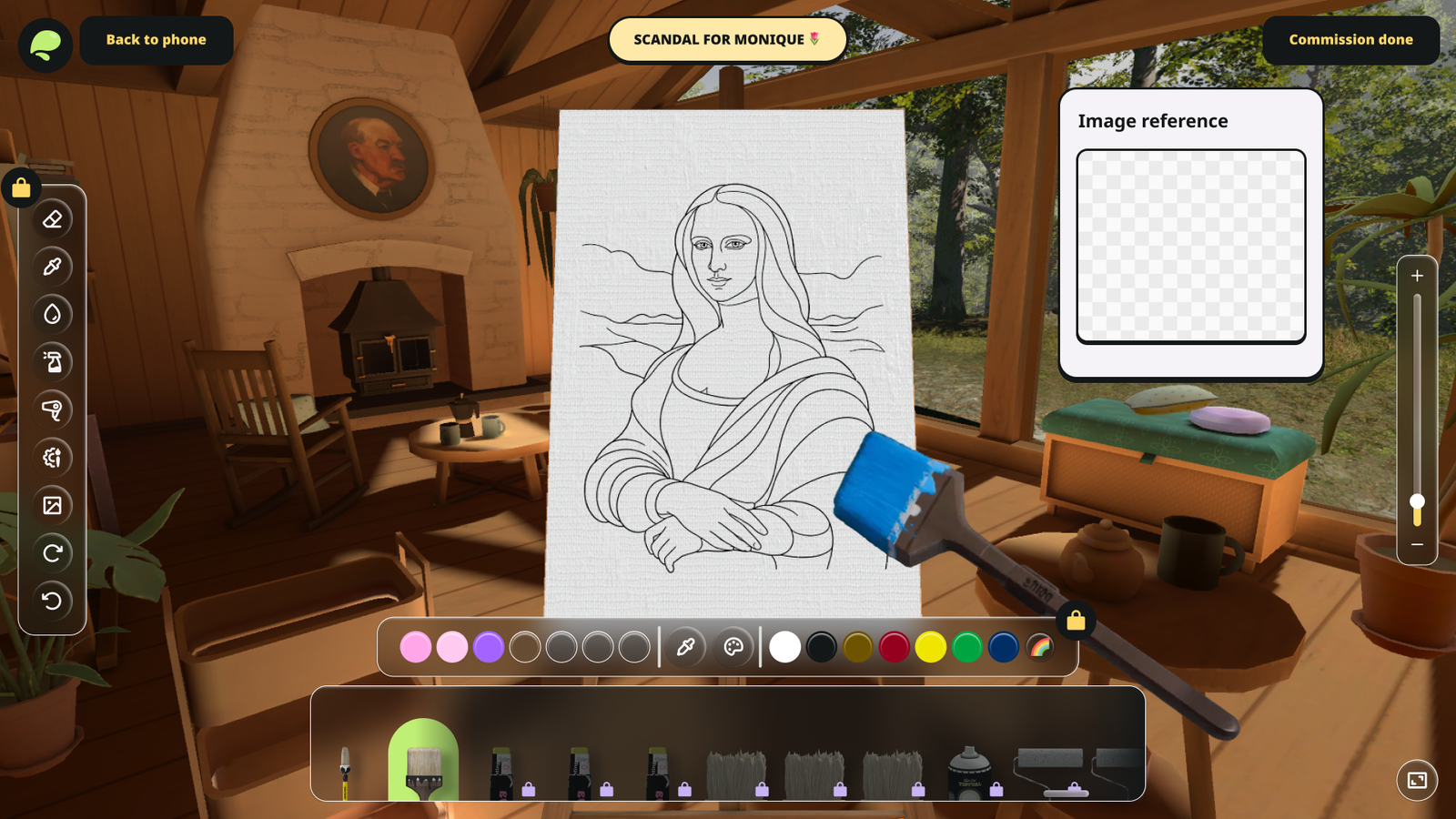
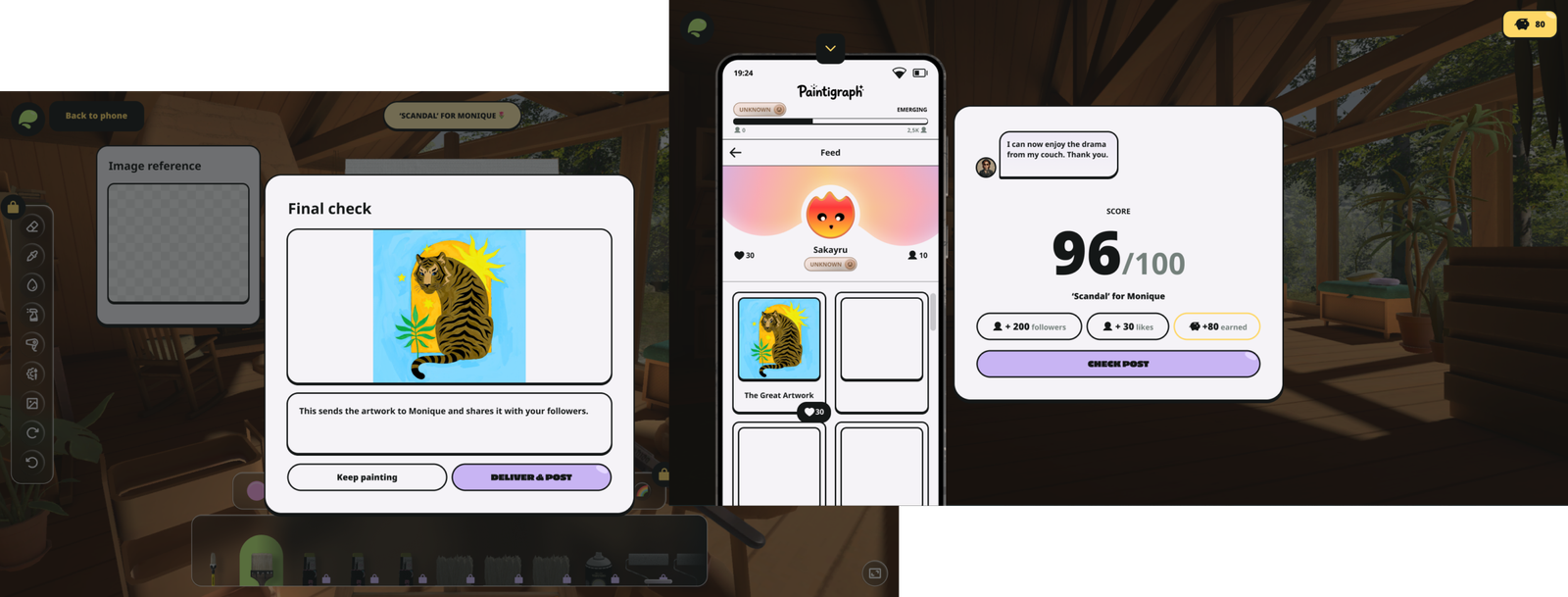
Commissions form the core gameplay loop of PaintingPC. By completing requests from NPCs, players earn in-game currency that can be used to expand and decorate their art studio.
Players receive messages from NPCs requesting a specific painting, sometimes accompanied by a reference image. Completing a commission rewards players with coins, followers, and likes, with higher scores leading to greater rewards.
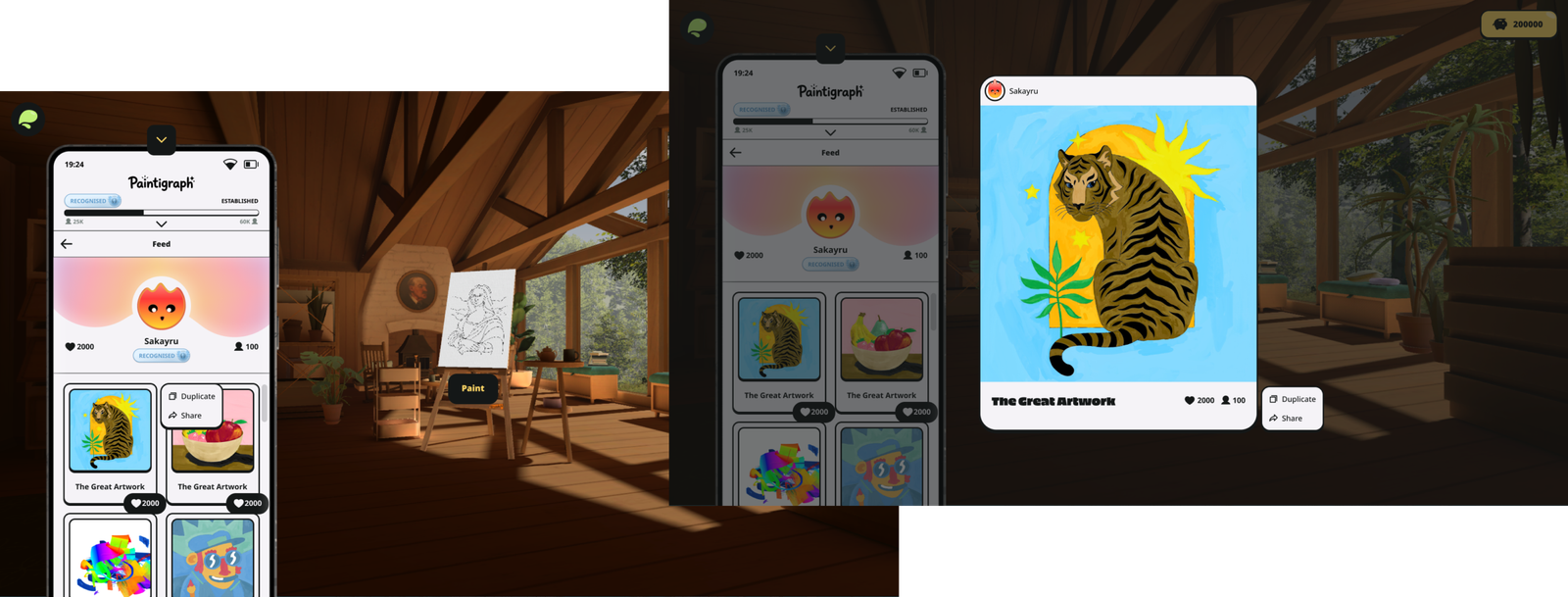
Completed paintings are automatically added to the player’s profile feed, creating a gallery where players can revisit their creations.
Shop
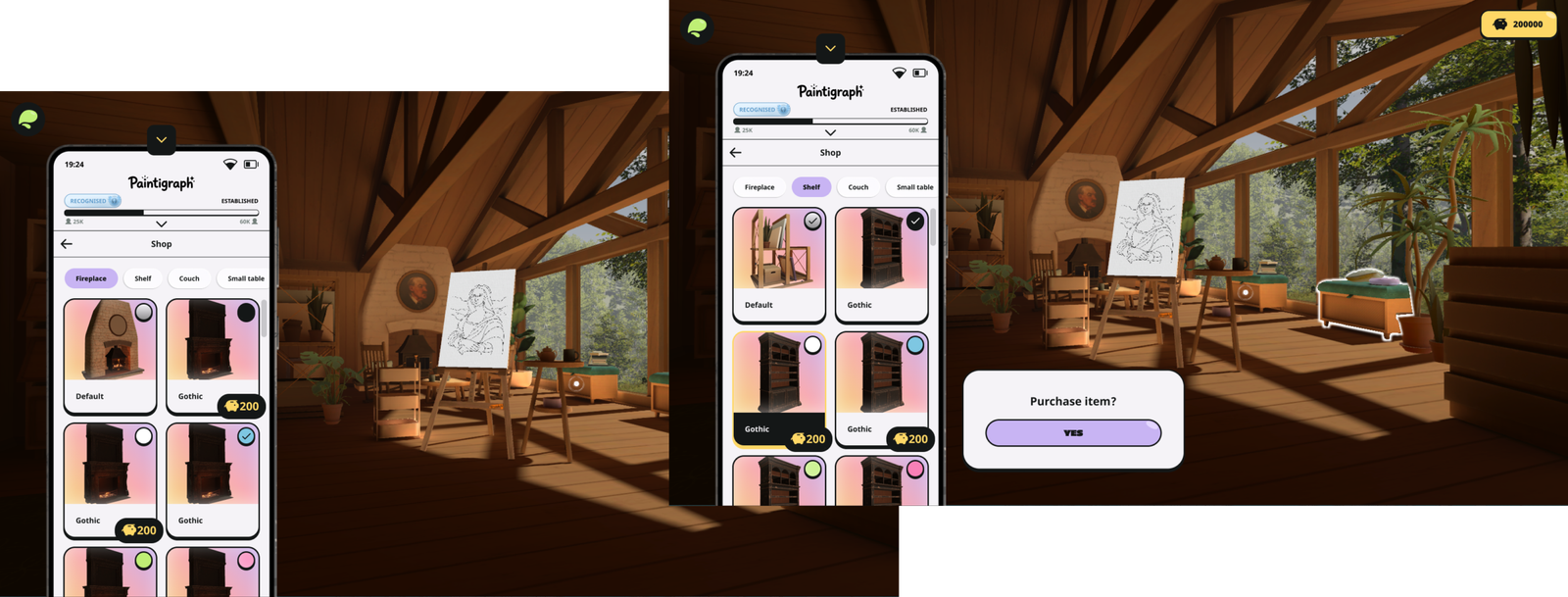
One of the most rewarding aspects of PaintingPC is the shop. Here, players can purchase decorative items in different themes and colours to personalize their art studio. As a gamer myself, I believe there’s a lot of value in giving players the freedom to shape an environment that reflects their personality and creativity.
Personal projects
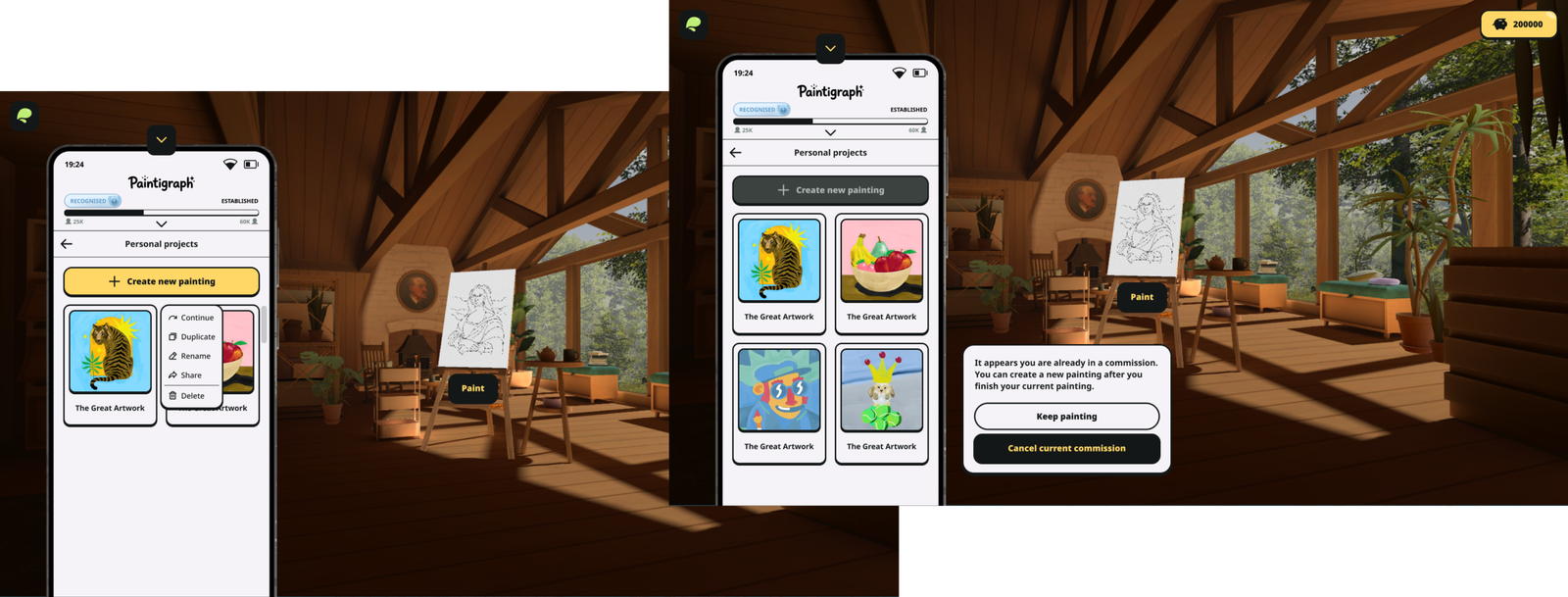
To give players more control over their creations, Personal Projects was added to the phone’s home screen. While similar to the Feed, this section is dedicated to personal paintings, giving players the freedom to experiment without the pressure of rewards. From here, players can also duplicate, rename, share, or delete their paintings through a dropdown menu.
Levels
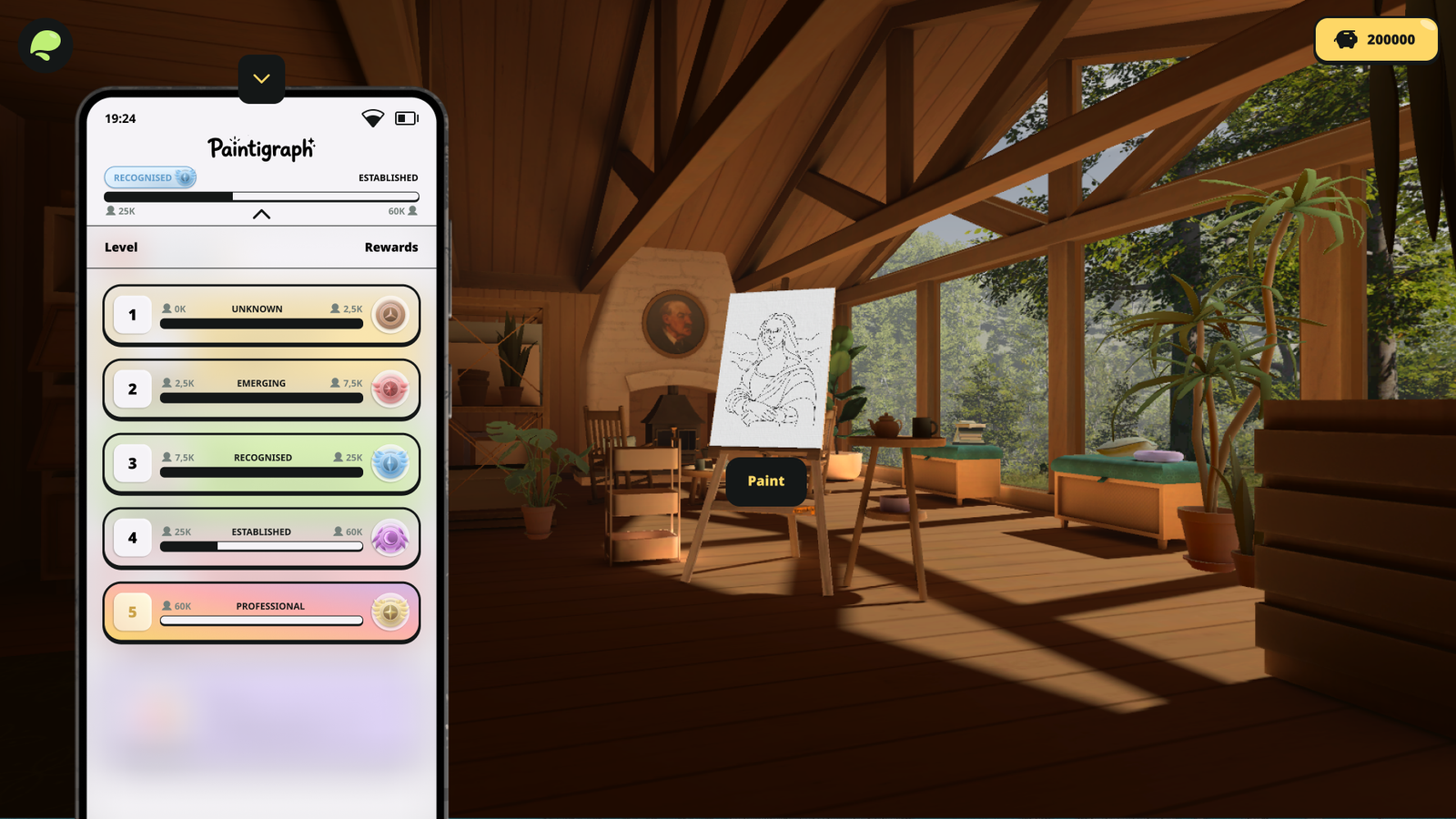
As players gain more followers, they build their reputation and progress through different ranks. Each new rank rewards them with a badge and unlocks additional brushes.
I designed the level menu to slide down from the top, inspired by the way notification panels work on modern smartphones. This makes the menu accessible from anywhere within the in-game phone. To keep the menu feeling connected to the interface behind it, I used a transparent background with a subtle blur, allowing part of the previous screen to remain visible.
Reflection
Working on PaintingPC taught me that game UX is an iterative process. Exploring different user flows while maintaining a consistent visual identity is just as important as designing individual screens. It also strengthened the way I document designs, making them easier for developers to understand and implement.